
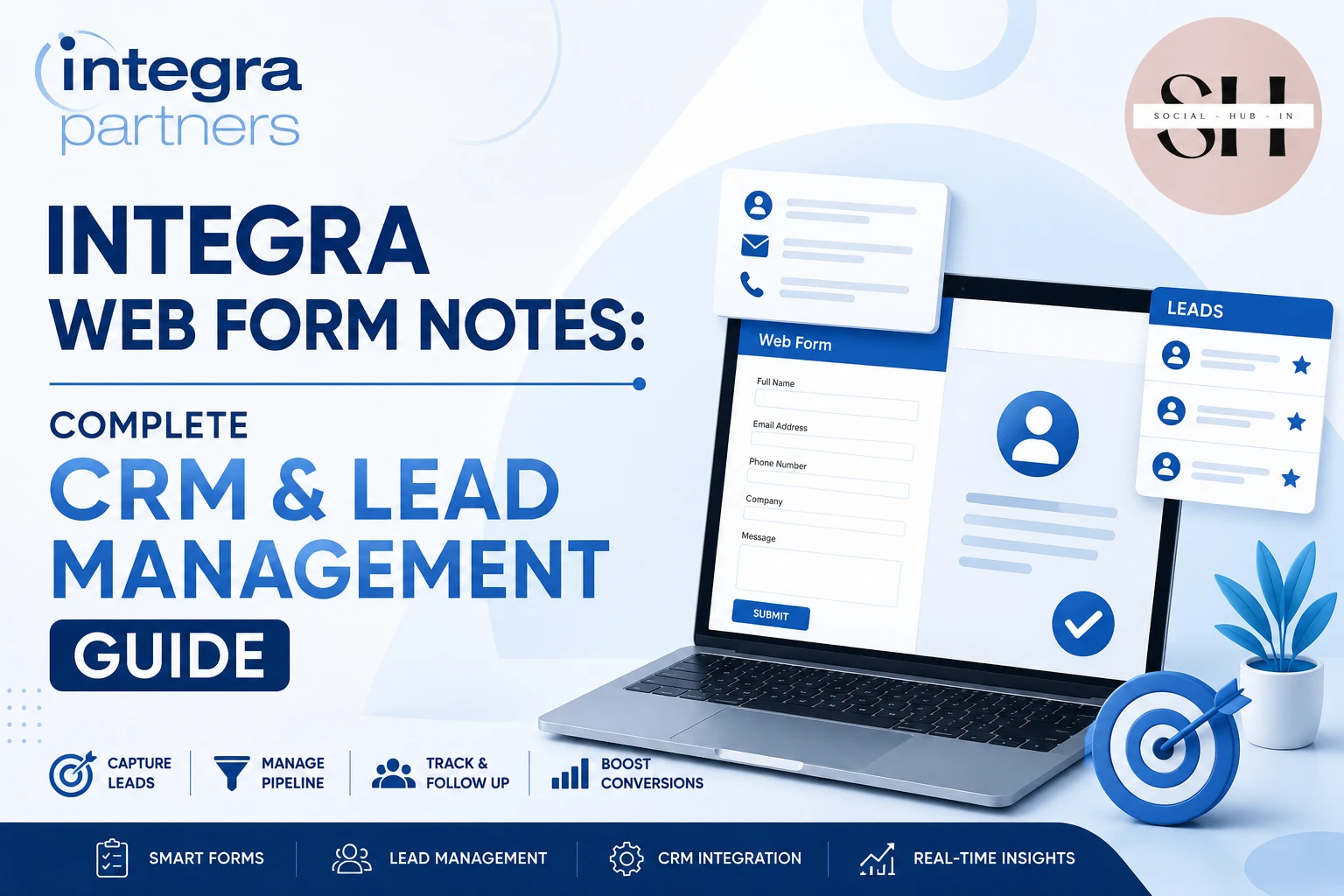
A form builder acts as the digital front door for modern customer relationship management. Companies use web forms on their websites to collect specific lead data instantly. The system then converts this raw data into detailed profile notes automatically.
Sales automation relies heavily on this highly accurate data capture process. When a user hits submit, the database updates immediately without human intervention. Software platforms rely on these integrated notes completely to function on a daily basis.
Manual data entry costs growing businesses thousands of productive hours every year. Employees often make typing mistakes when copying information from an email into a spreadsheet. A digital form eliminates this human error entirely by routing the data directly.
Understanding The Basic CRM Integration
How Digital Portals Work
Every digital portal requires a reliable intake method to gather public information. Web forms provide a secure window for users to submit personal or business details. The software captures the text and stores it in the background instantly.
This process builds a highly accurate contact profile over time. The sales team can view the entire history of a client on one screen. These digital notes prevent salespeople from asking the same questions twice during a call.
Automatic Record Assignment
Modern systems do not leave new leads sitting in a general public inbox. The software assigns the new record to a specific team member automatically. This assignment happens the exact second the user clicks the submit button on the website.
The assigned worker receives an immediate email alert on their mobile phone. They can read the attached notes before they make an introductory phone call. This speed greatly increases the chance of closing a sale with a new prospect.
Cloud Software Suite Features
Programs like the Integra Cloud Software Suite organize lead data efficiently. These systems feature contact management tools that centralize communication history and user interactions. Users can track deals across pipelines and evaluate win and loss metrics.
The suite also handles ticketing systems for customer service departments. It centralizes multi-channel tickets with automated assignment and prioritization workflows. This guarantees faster response times and improved overall customer satisfaction.
Healthcare Networks And Medical Portals
The Provider Network Advantage
Large medical networks process thousands of daily form submissions from doctors. An organization like Integra Partners acts as a durable medical equipment network manager. They help health plans manage medical equipment and orthotics providers.
Providers contract with a single entity to service multiple health plans at once. This simplified workflow gives providers access to a larger pool of members. It provides greater transparency and accountability across the entire healthcare supply chain.
Processing Claims And Equipment Requests
Filing claims through an official health plan requires exact clinical documentation. The IntegraNet Health provider portal allows users to submit new authorizations and claims. Users can also check the current status of an authorization directly through the portal.
Doctors need to know if a patient qualifies for specific medical equipment quickly. The IntegraNet Health portal includes a tool for verifying patient eligibility. It provides an accurate answer without requiring the doctor to make a phone call.
Managing Daily Clinical Updates
Sometimes clinics need immediate technical assistance regarding a specific claim or patient. Providers can use the Integra Partners inquiry webform to contact the company online. This specific form is built strictly for health plans and medical providers.
General patients cannot use this form to ask about their coverage. Patients must contact their insurance company directly using the phone number on their card. This digital separation keeps the provider support queues moving quickly and efficiently.
Technical Setup And Workflow Automation
Connecting Forms Via Webhooks
Modern digital forms do not operate in a technical vacuum. Developers use a webhook to push information from the form outward to another system. A webhook sends real time data directly to the receiving database instantly.
It triggers an automatic transfer the second the user hits the submit button. This prevents any delay in customer service routing or sales follow up. The submitted data lands exactly where the sales team expects to find it.
Utilizing Application Programming Interfaces
An application programming interface offers a deeper connection than a basic webhook. Software teachers call this an API for short in the tech industry. An API allows two different software programs to talk directly back and forth.
You can connect your form builder to a massive cloud software suite. The API pulls existing database records to fill out the form automatically. This saves the returning customer a lot of frustrating typing time.
Creating Conditional Logic Journeys
Smart forms change their questions based on previous answers from the user. Dynamics 365 web portals allow developers to build forms using conditional logic. This feature hides or shows specific form pages based on earlier responses.
If a user selects medical equipment, the form asks for specific insurance details. If they select general billing, the form hides all the insurance questions completely. This creates intelligent forms that adapt to the user and improve completion rates.
Expanding Into Niche Educational Markets
Registering New Music Students
This web integration technology works perfectly for any specific niche or industry. A music academy can use a form builder to organize new student registrations. The web form asks the student exactly what instrument they want to learn.
This avoids total administrative confusion during the very busy back to school season. The school database sorts the incoming students automatically by their specific instrument choice. This guarantees that no student gets lost in the digital paperwork.
Directing Students To Specific Instructors
A student interested in learning the notes on 4 string bass checks a specific box. A student wanting to play the notes on a harmonica c selects a different dropdown menu entirely. Another student might request private lessons for the notes on e string violin directly.
The system integration sends this specific musical data to the correct teaching staff. The instructor reads the web form notes before the very first lesson begins. They know exactly what the new student wants to learn that day.
Tracking Early Musical Progress
Teachers can update the student profile after every single music lesson ends. They type their own observational notes into the secure database portal. This tracks the educational progress of the student accurately over several years.
Parents can log into a front end portal to read these teacher notes. They can see exactly what they are paying for each week. This open communication builds strong trust between the academy and the family.
Improving Security And Data Quality
Enforcing Mandatory Validation Rules
Bad data ruins a customer relationship management database very quickly. Zoho CRM allows users to build webforms that mark specific fields as mandatory. A user simply cannot submit the form if they skip a mandatory question.
Dynamics 365 forms also set validation rules for email formats and phone numbers. The system requires a standard email format before accepting the final submission. This prevents internet bots from filling your database with completely useless garbage.
Managing Hidden Tracking Fields
Marketers need to know exactly where their new sales leads originate. Zoho CRM allows administrators to mark specific form fields as hidden. The website user never sees these hidden fields on their public screen.
The form captures the source URL and the specific advertising campaign automatically. It saves this tracking information as a private note in the database. The marketing team uses this exact data to track their advertising budget properly.
Handling Corporate Human Resources

Processing Candidate Applications
Web forms handle highly sensitive personal information securely every single day. Companies use these digital tools for human resources and active hiring. Job seekers submit their resumes and cover letters through a secure web portal.
The system extracts their text and saves it as a digital candidate note. The hiring manager can search these notes for specific job skills quickly. This makes sorting through hundreds of daily applications a very fast process.
Managing Employee Records
The web form notes transition into a permanent employee file after hiring. Human resources uses the database to track vacation days and annual performance reviews. Everything stays organized in one highly secure digital location.
This removes the need for physical paper files in the corporate office. Digital notes are much easier to protect and backup during natural emergencies. It also saves the company money on physical storage space and printing supplies.
Frequently Asked Questions
What Is A Web Form Note?
It is a digital record created automatically when a user submits an online form. The customer relationship management software saves the text for future reference.
How Do Webhooks Connect Forms To A Database?
A webhook sends real time data from the form directly to the database. It triggers an automatic transfer the exact second the user clicks the submit button.
Can I Use Conditional Logic In My Forms?
Yes, platforms like Dynamics 365 allow you to hide or show fields based on previous answers. This keeps the form clean and highly relevant for the user.
How Can I Track Where My Leads Come From?
You can use hidden fields inside your web form. The form captures the traffic source and saves it as a hidden note.
Does Integra Partners Have A Form For Patients?
No, the Integra Partners inquiry webform is strictly for health plans and providers. Patients must contact their insurance company directly for any questions regarding their coverage.
Final Takeaways
Integrating your web forms with your main database saves hundreds of administrative hours. The automatic transfer of notes keeps your sales and support teams fully informed. Connecting your digital tools via an API or webhook ensures high data accuracy constantly.
Healthcare networks use these specific integrations to manage complex provider portals daily. Music schools use them to organize incoming student requests and instrument preferences safely. Setting up mandatory fields guarantees that you collect clean data from every visitor.